
AI workbench for client data onboarding. Built for implementation teams at vertical SaaS.
Book WalkthroughNewsletter
Get the latest updates on product features and implementation best practices.
AI workbench for client data onboarding. Built for implementation teams at vertical SaaS.
Book WalkthroughNewsletter
Get the latest updates on product features and implementation best practices.

If you cannot open a file because it exceeds Excel's 1,048,576 row limit, you have four architectural options to process the data without crashing your memory:
Every data professional eventually hits the wall. You attempt to open a client's transaction history or a legacy system export, and Excel hangs, crashes, or displays the dreaded message: "File not loaded completely."
This happens because standard tools, including Excel and many browser-based "modern" CSV importers, attempt to load the entire dataset into RAM.
When you are dealing with 5 million rows (often 1GB+), you cannot use memory-based tools. You need Streaming Architecture.
Here is a technical comparison of the authoritative ways to handle large-scale transformations.
For teams with engineering resources, Python is the standard alternative. However, standard scripts will still crash your machine if you don't explicitly architect for streaming.
You must use the 'chunksize' parameter to process the file in batches.
import pandas as pd

# Process in chunks of 50,000 rows to avoid memory crashes
chunk_size = 50000
source_file = 'large_file_5m_rows.csv'

for chunk in pd.read_csv(source_file, chunksize=chunk_size):
    # Apply transformation logic here
    chunk['clean_date'] = pd.to_datetime(chunk['raw_date'], errors='coerce')

    # Append to output
    chunk.to_csv('cleaned_output.csv', mode='a', header=False)
Verdict:
If you are comfortable with SQL, you can turn this into a database problem. Tools like DBeaver allow you to import large CSVs into a local Postgres or MySQL instance relatively easily.
The Workflow:
Verdict:
If you are a Linux/Mac power user, you can use command-line tools like 'split', 'sed', or 'awk'. These stream data by default and are incredibly fast.
The Workflow:
Verdict:
This is the modern approach for implementation teams who need the power of streaming without the overhead of maintaining scripts or databases.
DataFlowMapper handles 5M+ row files using a proprietary Server-Side Streaming Architecture. Unlike browser-based parsers, we process the stream on our backend, keeping your machine light.
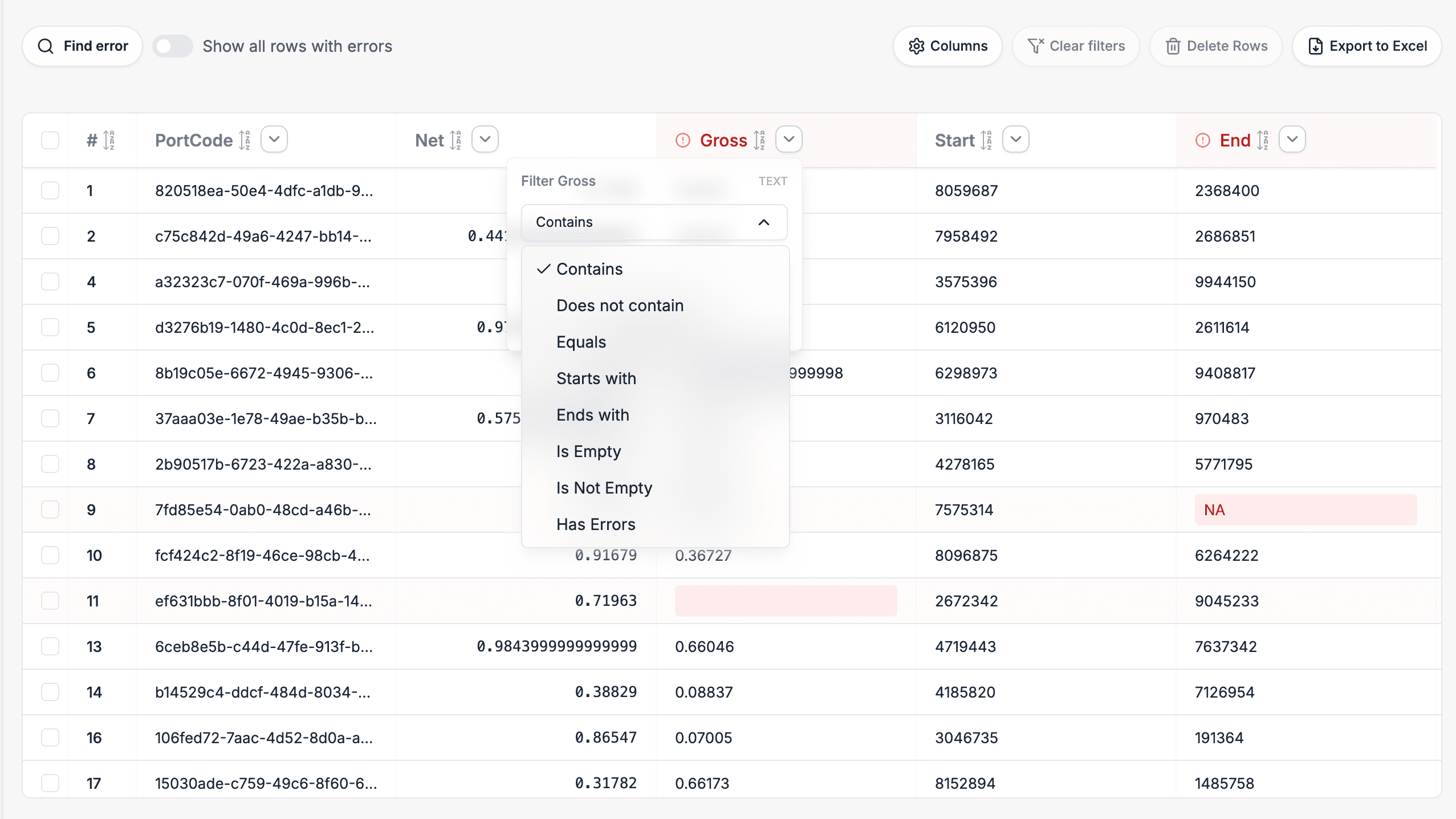
The hardest part of a 5M row file isn't just processing it; it's mapping it.
If a 5 million row file has a 1% error rate, that is 50,000 errors.
| Feature | Excel | Python Scripts | DBeaver / SQL | DataFlowMapper |
|---|---|---|---|---|
| Max Rows | ~1 Million | Unlimited | Unlimited | Unlimited |
| Prerequisites | MS Office | Python/Pandas installed | Local DB + SQL knowledge | None (Browser) |
| Mapping Experience | Visual | Code-based | Schema Definition | Visual & Automapped |
| Error Visibility | High | Low (Logs) | Medium (Queries) | High (UI Filters) |
| Team Scalability | Low | Low (Siloed code) | Medium | High (Shared Templates) |
Don't let tools dictate your data limits. When Excel crashes, it is a signal to move from spreadsheet software to data transformation software.
While tools like Python and DBeaver are powerful for individuals, DataFlowMapper offers the only solution that combines streaming power with visual mapping and team collaboration.
Get started risk-free today and map your first 5M+ row file in minutes.
Excel has a hard limit of 1,048,576 rows per sheet. Attempting to load files larger than this causes data truncation or memory crashes because Excel attempts to load the entire dataset into RAM.
Tools with 'Header Extraction' capabilities, like DataFlowMapper, read only the first few bytes of a file to visualize the schema. This allows you to map columns and build logic without loading the full 5GB+ file into memory.
DBeaver is excellent for loading CSVs into a database, but it requires setting up a SQL database first. It is not a transformation tool; it is a database client. For cleaning and mapping, you would need to write complex SQL scripts.