
AI workbench for client data onboarding. Built for implementation teams at vertical SaaS.
Book WalkthroughNewsletter
Get the latest updates on product features and implementation best practices.
AI workbench for client data onboarding. Built for implementation teams at vertical SaaS.
Book WalkthroughNewsletter
Get the latest updates on product features and implementation best practices.
In short: Recurring client imports — monthly revenue files, transaction exports, carrier downloads, insurance bordereaux — create a predictable engineering drain when format logic lives in your codebase. A mapping-based embedded importer moves that logic to versioned templates your team manages directly. Format changes become template updates. No deploy. No engineering ticket. Files at 50M+ rows handled via server-side streaming.
A single format change in a client's file — a renamed column, a new field, a slightly different date format — typically costs 2–4 hours end to end: triage, code update, test, deploy. Across 15 clients averaging 2 schema changes per year, that's 60–120 engineering hours annually on a problem that has nothing to do with building your product.
That estimate doesn't include the downstream cost: the client waiting on month-end processing while the fix moves through your sprint. For clients in royalty management, insurance, or financial operations, that delay has real business consequences.
This pattern — recurring client files, format changes outside your control, engineering as the bottleneck — is common enough that it has a name: schema drift. The gradual deviation of a file's structure from what your ingestion logic expects. For a one-time import, it's a nuisance. For recurring operational imports, it's a recurring engineering problem.
The fix most teams reach for — a better client upload widget — doesn't address it. The format logic is still in your codebase. The engineering dependency stays.
DataFlowMapper is the only embedded importer that moves full transformation logic — not just column renaming — out of the codebase into versioned, team-managed templates. Format changes happen in the template editor, not in a pull request.
If you're evaluating Flatfile alternatives specifically because you're dealing with recurring operational imports, the distinction worth understanding is where the transformation logic lives — not how the upload widget looks.
Tools like Flatfile, Dromo, and OneSchema are good at what they do: client-facing uploads for one-time data onboarding. But they weren't built for recurring operational imports, and three limitations show up quickly when you try to use them that way.
Format changes still require engineering. When a client's file structure changes, someone has to update the importer configuration and ship the change. The tool abstracts away some complexity, but the engineering dependency stays.
Transformation logic lives in your codebase. Column renaming is handled inside the tool. Anything more complex — conditional logic, calculated fields, lookups, business rules — gets built and maintained in your application code. Format changes mean code changes.
They weren't built for large recurring files. Browser-based parsers typically cap out around 50–100MB before memory becomes a problem. Month-end revenue files, transaction histories, and operational exports regularly exceed that.
The core issue isn't the upload widget. It's where the transformation logic lives — and who has to touch it when something changes.
The key difference is where the transformation logic lives and who owns it.
With a mapping-based portal, the logic is defined in a transformation template — not in your codebase. Your team builds the template once. Every subsequent import from that format runs against it automatically.
Step 1 — Your team builds the mapping (or AI generates one)
Define how an incoming file maps to your destination format, including any transformation logic: conditionals, lookups, calculated values, field concatenations. This is done in DataFlowMapper's mapping editor. No code involved.
If you're adding a new client format, the AI Onboarding Agent can generate a mapping from the source file in under 20 minutes. Your team reviews and publishes it.
Step 2 — The mapping is exposed through the portal
When a client uploads a file, the portal auto-matches it to the right mapping based on file headers. No client configuration needed. If the file matches a known template, it's selected automatically.
Step 3 — Transformation runs, validation surfaces in a grid
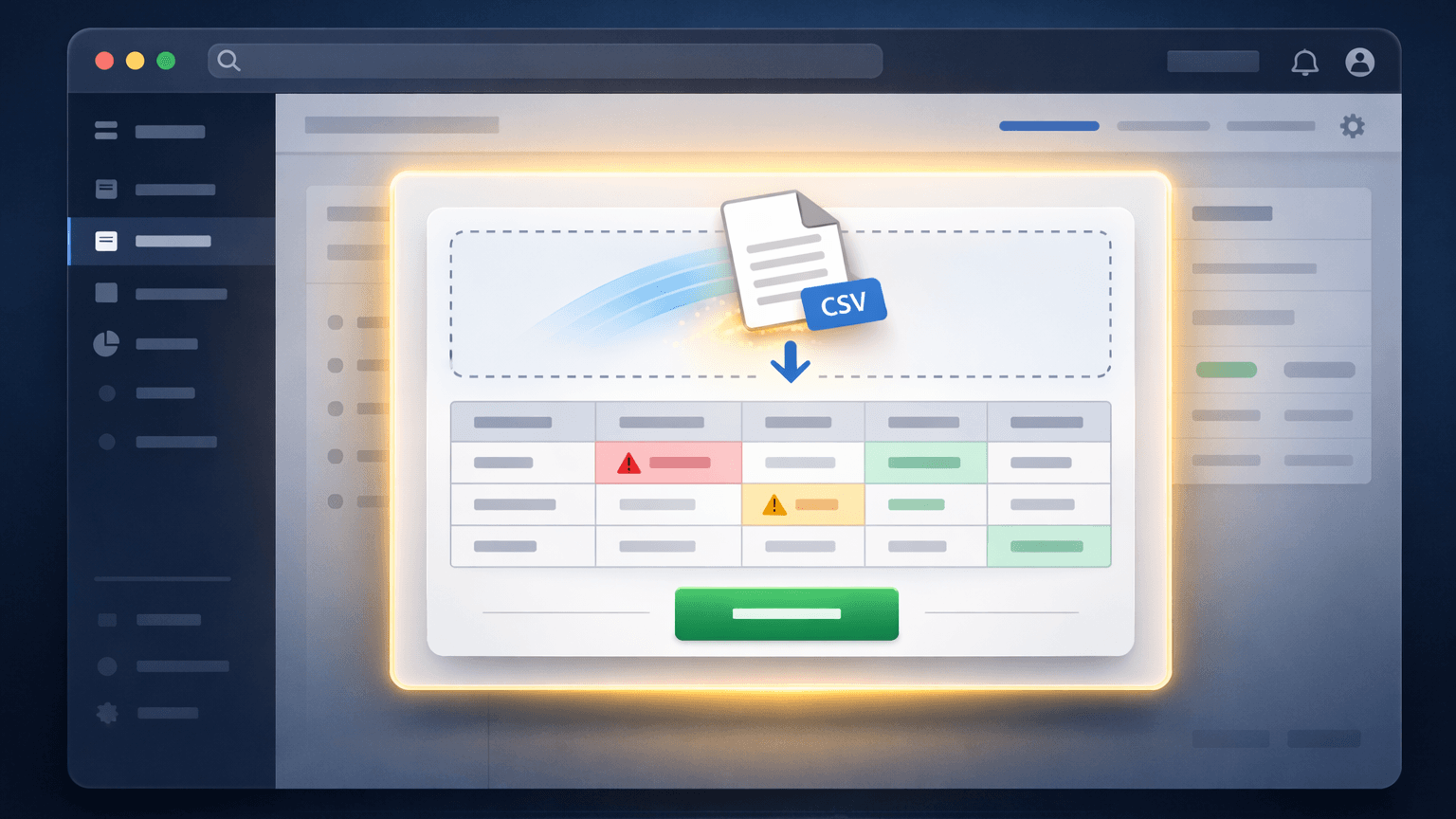
After transformation, any validation errors appear in a filterable grid with error reasons per cell. The client can review, identify data issues on their end, and decide whether to submit or fix the source file.
Step 4 — Client submits, file routes to your destination
On submit, the processed file routes to your S3 bucket or import endpoint. The client owns the import step. Your team stays out of it.
Step 5 — When the format changes, update the template
No deploy. No ticket. The template is updated in DataFlowMapper, and the change is live for the next import cycle.
This is the shift that matters: schema drift stops being an engineering event and becomes a template update. The client's next import cycle proceeds without a delay.
Most browser-based importers parse files into memory — either the client's browser or your server. That approach breaks at scale.
DataFlowMapper processes imports via server-side streaming. Files stream through the transformation engine in chunks. The full file is never held in memory at once.
For a deeper look at the architecture behind large-file processing, see: How to Map & Transform 5M+ Row CSV Files When Excel Crashes.
There's a second reason to move transformation logic out of the codebase that doesn't get discussed enough: traceability.
When import logic is hardcoded or scattered across application scripts, answering "how was this data transformed?" requires reading code. If something went wrong in a month-end processing run, determining whether the issue was in the source file, the mapping rules, or downstream logic is difficult to disentangle. There's no data lineage — no traceable record from source to output.
With a template-based approach, every import is tied to a specific, versioned template. You can see exactly what rules were applied, when the template was last updated, and which imports ran against which version. If a client disputes the output of a processed file, the transformation record is there. If an internal team wants to verify that a business rule was applied consistently across clients, they can pull it up.
This is what data lineage looks like in practice for recurring imports: every transform tied to a versioned, auditable template — not to whoever wrote the last script.
For workflows where data accuracy has downstream financial, regulatory, or contractual consequences, this reproducibility isn't a nice-to-have. It's the only defensible way to manage recurring imports at scale.
The recurring-import, schema-drift problem is common across any SaaS where clients submit operational data on a regular schedule from sources you don't control. A few verticals where it's particularly costly:
Platforms processing monthly revenue files from distributors — streaming services, retailers, sub-publishers — face schema changes from sources they have no influence over. Each distributor sends files in their own format; format changes are unannounced. The downstream consequence of a broken import is a delayed royalty payout, with the potential for financial penalties and loss of trust from rights holders. The engineering-release bottleneck here is a direct liability.
MGAs and carriers exchange detailed premium and claims reports (bordereaux) on recurring schedules. Format inconsistencies from different carriers are routine — column names, date formats, and field ordering vary by carrier and can change without notification. The implication of a failed import isn't just a delay — it can trigger SLA breaches and manual reconciliation that introduces audit risk. For platforms in this space, hardcoded ingestion logic is an operational liability that compounds with every new carrier relationship.
AML and transaction reporting workflows ingest large volumes of transaction data from multiple sources. Regulators require a clear lineage from source to output. When import logic is hardcoded and a format changes, the fix isn't just technical — it has to be documented and defensible. A template-based approach provides that lineage automatically; scattered application code does not.
Rent roll imports from legacy systems — Rent Manager, Yardi, AppFolio — vary by property and owner. Format inconsistencies during portfolio onboarding or recurring reporting are the norm, not the exception. Each new property management company a platform onboards may bring its own export format from a system the platform has never encountered. Without a reusable template layer, every new portfolio adds to the engineering queue.
In each of these verticals, the recurring-import problem compounds with scale: more clients means more formats, more schema drift events, and more engineering exposure.
| Build In-House | Flatfile / Dromo / OneSchema | DataFlowMapper Portal | |
|---|---|---|---|
| Format change response | Code change + deploy | Config change + deploy | Template update, no deploy |
| Schema drift handling | Engineering ticket per event | Engineering ticket per event | Template update, no deploy |
| Designed for recurring imports | Depends on what you build | No — built for one-time onboarding | Yes |
| Transformation logic location | Your codebase | Your codebase | Template in DataFlowMapper |
| File scale | Depends on your infrastructure | ~50–100MB browser limit | 50M+ rows, server-side streaming |
| AI mapping for new formats | Build it yourself | Not available | Yes — generates from file headers |
| Format change ownership | Engineering team | Engineering team | Your internal team, no code required |
| Data lineage / audit trail | Depends on what you build | Not available | Yes — versioned templates |
| Client experience | Whatever you build | Upload widget | Upload → validate → submit |
This approach makes sense if:
It's not the right fit if clients only import data once at onboarding, or if your import formats are stable and fully within your control.
These are worth working through with your team before deciding on an approach:
How many engineering hours per quarter go to import format changes? If the answer is "some" and you can't put a number on it, that's a signal — it means it's too normalized to track. Track it for one quarter and the number is usually uncomfortable.
What happens when a client sends a file structure you didn't expect? If the answer involves a ticket, a sprint, or finding the right developer to fix the script — the bottleneck is structural. A better upload widget won't fix a structural problem.
If you had to support a new client format tomorrow, how long would it take? Same-day? A week? "It depends who's available"? The answer maps directly to how much schema drift is costing you — and how exposed you are as your client base scales.
If all three answers involve tickets, sprint planning, or "it depends who's available" — the transformation logic needs to move out of the release cycle entirely. That's the fix.
If you're evaluating embedded importer options and comparing tools like OneSchema, Flatfile, or Dromo, see how they handle recurring imports and transformation logic →.
If you're supporting 10+ clients with recurring imports and format changes are currently touching your engineering team, that's the exact scenario this was built for. The DataFlowMapper portal is a custom engagement — scoped to your product, your templates, and your clients. See how it works → or schedule a conversation to talk through whether it fits your product →.
An embedded file importer is a component built into a SaaS product that lets end users upload data files directly. Unlike external tools, it's part of the product's UI and routes data through the platform's own validation and transformation logic. For recurring operational imports, the key feature is reusable mapping: the transformation rules are defined once and applied automatically on every subsequent upload — so format changes don't require a code change or a deploy.
Most browser-based importers cap out around 50–100MB because they parse files in the browser or load them fully into server memory. DataFlowMapper uses server-side streaming, which processes files in chunks regardless of size. 50M+ row files are supported without memory crashes.
A one-time importer (like Flatfile or Dromo) is designed for onboarding — a client uploads their data once, maps columns, and submits. A recurring import portal handles the same client importing different files on an ongoing schedule. The key difference is reusable mapping: the format logic is defined once and applied automatically on every subsequent upload.
Schema drift is the gradual deviation of a file's structure from what your ingestion logic expects — a renamed column, a new required field, a changed date format. For one-time imports it's a nuisance. For recurring operational imports, it's a recurring engineering problem. Every drift event that isn't handled by a reusable template becomes a ticket, a deploy, and a delay in your client's processing cycle.
Flatfile, Dromo, and OneSchema are designed for one-time onboarding imports — a client uploads data once, maps their columns, and submits. They work well for that scenario. The fundamental difference is where the transformation logic lives and who owns it. With those tools, anything beyond basic column renaming — conditional logic, lookups, calculated fields, business rules — gets built and maintained in your application code. Format changes still require engineering. DataFlowMapper moves the entire transformation layer out of your codebase into versioned templates your team manages directly. Format changes become template updates. No deploy, no ticket, no engineering cycle.
With a mapping-based import portal, a format change means updating the transformation template in the mapping editor — no code change, no deploy. The updated template is live immediately for the next import. This is the key difference from traditional embedded importers: schema drift stops being an engineering event and becomes a template update owned by your internal team.
Yes. Because the transformation logic lives in a versioned template — not in scattered application code — every import is traceable to the specific template version that ran it. You can see exactly what rules were applied, when the template was last updated, and which imports used which version. This data lineage is especially important for compliance-sensitive workflows — royalty payouts, insurance bordereaux, financial reporting — where you need to demonstrate that data was processed consistently and correctly.
No. Clients interact only with the upload and validation steps. The mapping logic runs server-side and is managed by your internal team in DataFlowMapper. Clients see their data, any validation errors, and a submit button.