AI workbench for client data onboarding. Built for implementation teams at vertical SaaS.
Book WalkthroughNewsletter
Get the latest updates on product features and implementation best practices.
AI workbench for client data onboarding. Built for implementation teams at vertical SaaS.
Book WalkthroughNewsletter
Get the latest updates on product features and implementation best practices.
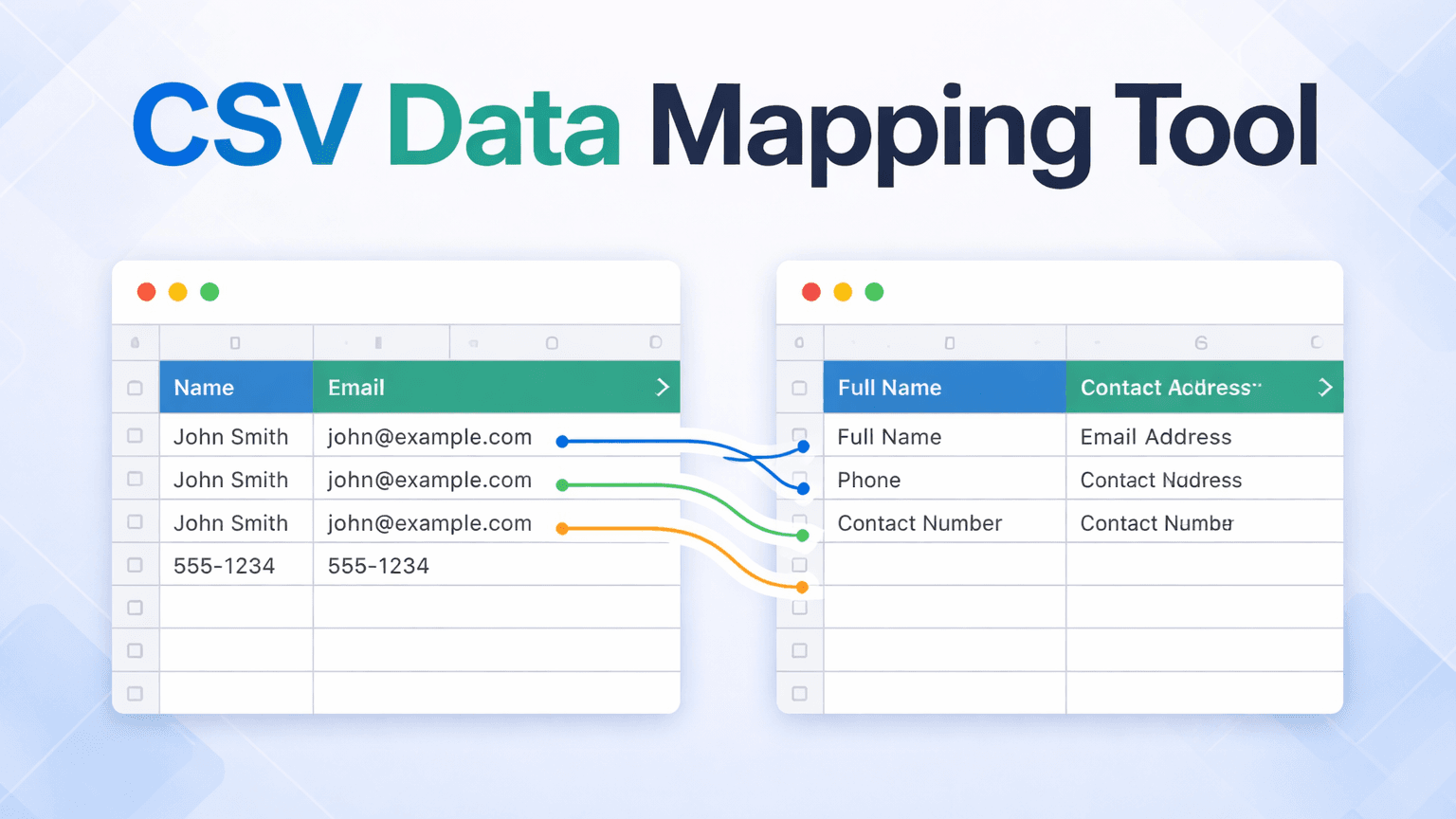
If client go-lives are consistently slipping on your team's calendar, the bottleneck usually sits one step earlier: the CSV data mapping work of getting the client's file into the right format to load into your system.
Most teams are handling this one of two ways. Either an analyst is doing it manually in Excel, rebuilding formulas, VLOOKUPs, and IF chains from scratch for each client file, a process that takes days and lives entirely in one person's spreadsheet. Or a developer is writing transformation scripts, which means every format change routes through a ticket queue that competes with product work, and .
Both approaches fail at scale. They produce the same outcome: client go-lives that depend on one person being available, doing mechanical work, at the right time. When that person leaves, so does everything they built.
The operational cost of manual CSV mapping is usually framed as hours. The business cost is different.
Consider a team running 12 client implementations a year. At 3 days per client in Excel, a conservative estimate, that is 36 analyst-days a year spent on formatting overhead before a single implementation task begins. One and a half months of capacity, per year, on a step that should not require a specialist.
Delayed go-lives push out revenue recognition. When a client cannot go live until their data is cleaned and loaded, that implementation milestone slips. Across multiple concurrent clients, slipped milestones compound. For teams where go-live triggers an invoicing milestone or subscription start date, each week of slip is deferred revenue per client. At 12 clients a year, this shows up in the revenue forecast as a recurring drag, not as a line-item efficiency metric.
The deeper exposure here is capacity and continuity risk. The work is not transferable, not repeatable, and not owned by the team. It belongs to whoever happened to do it last.
If you are the director building the case for tooling investment, finance teams respond to three line items: recurring capacity, avoided engineering cost, and revenue-recognition timing. "Analyst hours saved" rarely lands on its own.
Start with recurring capacity. Using the 36-day baseline above, apply your team's fully-loaded analyst cost to see the annual figure you are already absorbing in manual formatting work. That cost is recurring whether a new client signs or not. It is the minimum your team is paying to not have a reusable tool.
Avoided engineering cost is the second line item. Every CSV format change that routes through a ticket queue competes against product work. The real cost shows up in the product feature that did not ship that sprint, not the developer hour itself. If engineering is the bottleneck for client onboarding, this is often the larger number, even though it does not appear on an implementation team budget.
Revenue recognition timing is the third, and for SaaS finance teams, usually the most persuasive. When go-live triggers a milestone invoice or subscription start, each week of slip pushes revenue into the next quarter. Finance leaders treat a week of revenue-recognition slip as directly comparable to a week of deferred bookings. The dollars are quantifiable from your existing contract data.
Taken together, these three lines give you a defensible business case without fabricating efficiency claims. The cost of not having a CSV data mapping tool is already in your P&L, distributed across three line items nobody attributes to CSV work. The argument for the tool is reclassification, not new spend.
DataFlowMapper is the right CSV data mapping tool for implementation teams because every field mapping, transformation rule, and validation lives in a template your team owns and runs, no developer required, no ticket queue, no import that stalls because one person is unavailable.
The mapping editor is visual, with no code required, which means your team handles format changes the day they arrive rather than waiting on a ticket. Conditional rules, field combinations, format normalization, and lookup enrichment are configured through an if/then block interface and function library, no developer involvement after initial setup.
The saved template is what changes the capacity equation over time. Once a mapping exists for a given client format, any trained team member loads and runs it. The logic lives in a shared template library that any trained team member can open, instead of one person's spreadsheet or script. When someone leaves, the mapping stays. When a client sends a revised file, the team starts from the existing mapping rather than a blank canvas.
For teams running Workday EIB loads, NetSuite CSV imports, or recurring client file ingestion for asset management and accounting platforms, the reusable template pattern is the same: build the logic once against a fixed internal schema, then load and run it for every subsequent file in that format.
When a client's column names differ from an existing mapping, the Adapt to File feature generates a variant that preserves existing transformation logic while updating field references. AI-assisted mapping suggestions surface the ambiguous cases for review rather than requiring every field to be re-mapped from scratch.
Data validation runs as part of the transform: per-cell error highlighting in a filterable output grid surfaces issues before data reaches your system.
| DataFlowMapper | Excel / Manual | Python Script | Flatfile / OneSchema | |
|---|---|---|---|---|
| Per-client recurring work | Load saved template, run | Rebuild formulas per file | Dev hours per format change | New session per upload |
| Format change turnaround | Same day, no code | Analyst rebuild | Developer queue | Depends: UI or code |
| Who owns the process | Implementation team | One analyst | Developer | Shared: UI vs. logic |
| Continuity when owner leaves | Template stays in library | Rebuild from scratch | Rebuild if undocumented | UI persists, custom logic in codebase |
| Handles business logic | Visual logic builder, yes | Yes, in one silo | Yes, in code | No, transformation in your app |
| Best for | Recurring client imports with business logic | One-off files, no repeat | One-time migrations with dev capacity | Self-serve upload UI for SaaS end users |
DataFlowMapper wins on format change turnaround because transformation logic lives in a template managed by the implementation team, not in application code that requires a deploy.
DataFlowMapper wins on continuity because the mapping logic stays in the shared template library when a team member leaves, rather than walking out in one person's spreadsheet or in undocumented script files.
DataFlowMapper wins on recurring client imports because the mapping is built once per source format, then loaded and run for every subsequent file from the same client or same legacy system. The 3-day task becomes an hours-long task, as documented in our data onboarding case study.
Flatfile and OneSchema win on one-time self-service upload UI for SaaS products where end users upload their own files. For teams ingesting files internally on behalf of their clients, the self-service UI is irrelevant; the transformation and validation work is what matters, and that work still lives in your codebase with those tools. For a direct head-to-head on complex recurring imports, see our Flatfile alternative analysis.
Clients do not send files in your format. They send files in their format, which reflects however their source system is configured, what their admin named the fields, and what columns they decided to include. Plan around that variance as the default condition of every client implementation.
DataFlowMapper's AI mapping suggestions analyze source headers and sample data, then return confidence-scored field mapping proposals, catching variations like CustID vs. Customer_ID or dob vs. Date of Birth that exact string matching misses. The team reviews the ambiguous cases rather than re-mapping every field from scratch. High-confidence matches are accepted in bulk; only the genuinely uncertain ones surface for human decision-making.
For fields that require more than a direct column connection, such as conditional logic based on client type, lookup enrichment from a reference table, or format normalization for date or currency fields, those rules are configured visually without writing code and save with the template.
For insurance teams ingesting monthly bordereaux from multiple coverholders, every MGA sends a different Excel format and the files recur on a monthly or quarterly cycle. Each coverholder gets its own saved template, loaded at the start of every cycle, run in minutes rather than rebuilt. The mapping work stops scaling linearly with the number of clients.
Honesty helps both of us. A CSV data mapping tool is not the right fit for every data problem. If your situation matches any of the following, a different tool or approach probably makes more sense.
You have no format variance. If every file coming into your system is produced by an upstream system you control and the schema never changes, you do not need a mapping layer. A direct ingestion pipeline is simpler and a mapping tool is overhead without upside.
Your imports are fully API-fed or database-to-database. For continuous, pipeline-style data movement between databases, traditional ETL tools (Fivetran, Informatica) are purpose-built for that model. DataFlowMapper sits in the file-based, project-based layer where source files arrive on a recurring cycle and need transformation before load.
You are running a single, short, one-shot migration with no iteration. If the work is "load this one file once and never again," a quick Python script or a consultant with Excel might be the lower-overhead path. Multi-phase migrations with UAT, SIT, and production cutover iterations behave differently: the same source-to-target transformation runs multiple times across phases, and every phase produces refinements you want to preserve into the next run. Multi-phase migrations remain a strong fit for a reusable mapping template.
Your team has zero appetite for learning a new tool. Any tool has a learning curve. If the implementation team will not invest time in understanding a visual mapping editor, no tool will help. The blocker in that scenario is organizational, and tooling alone cannot resolve it.
Outside those cases, the pattern holds: if you repeatedly transform external client files into a fixed internal schema, a CSV data mapping tool earns its keep.
Run through this checklist. If you answer yes to four or more, a CSV data mapping tool is likely worth a working session against your actual files.
If the answer is four or more, the next step is a working session against your actual file: load a real client CSV into the visual editor, build the mapping live, and run the output through validation.
 DataFlowMapper
Build the mapping once. Your team runs it for every client that follows. No Excel rebuild, no developer ticket, no institutional knowledge walking out the door.
DataFlowMapper is the right CSV data mapping tool for teams that receive client-supplied files and need to transform them into a fixed internal format repeatedly. It moves the entire import workflow, covering field mapping, transformation logic, validation rules, and lookup enrichment, into a visual editor that implementation staff own and operate without developer involvement. When a new client file arrives, the team runs a saved configuration instead of rebuilding from scratch. The result is faster go-lives, no dev ticket queue for format changes, and no knowledge locked inside one person's spreadsheet. For teams where CSV imports are the consistent reason client timelines slip, DataFlowMapper removes that constraint.
The Excel rebuild problem comes from the same root cause every time: the mapping work is manual, not saved, and tied to whoever built the formulas. DataFlowMapper replaces that cycle with a visual mapping editor where field connections, transformation rules, and validations are configured once and saved as a reusable template. When the next client file arrives in the same format, the team loads the template and runs it. When a client's column names differ from an existing mapping, the Adapt to File feature generates an updated variant that preserves existing logic while matching the new field names. The mechanical rebuild work disappears. The team's attention moves to the edge cases that actually require judgment.
Yes. DataFlowMapper's visual Logic Builder handles conditional rules, field combinations, format normalization, and lookup enrichment without code. Implementation specialists build and modify mappings through a drag-and-drop interface with an if/then block editor and built-in function library. A developer is not required to configure new imports, update logic when a client's file changes, or add validation rules.
DataFlowMapper handles column name variation without a full mapping rebuild. The Adapt to File feature compares incoming column names against an existing mapping template and generates an updated variant that preserves transformation logic while updating field references to match the new source. For cases where column names vary across clients but refer to the same data, AI-assisted mapping suggestions analyze headers and sample data and return confidence-scored proposals, catching variations like 'CustID' vs 'Customer_ID' that exact string matching misses. The team reviews the ambiguous cases rather than re-mapping every field. Format changes stop being a restart and become a review.
Flatfile and OneSchema are file upload interfaces with column matching UI. Transformation logic beyond basic column renaming, such as conditional rules, field combinations, lookup enrichment, and business-specific formatting, still lives in your application code and requires a developer to build and maintain it. Every format change is a dev ticket. DataFlowMapper stores all transformation and validation logic inside the mapping template itself, managed by implementation admins without code changes. When a client's format changes, the team updates the mapping directly. For software companies that need to expose a file import workflow to their own customers, DataFlowMapper's embedded portal brings the same mapping engine into your product as a white-label interface, with zero transformation logic in the embedding product's codebase.
Two things determine whether CSV data mapping software actually removes the bottleneck from your team's workflow. First: can implementation staff build and modify mappings without filing a dev ticket? Tools that handle column renaming but route transformation logic back to engineering move the bottleneck rather than eliminating it. Second: does it handle real transformation logic, including conditional rules, lookups, and field combinations, not just column matching? Most client CSV imports involve at least some business logic. If the tool cannot handle it, Excel or a developer script ends up back in the workflow. DataFlowMapper is built for both: complex transformation logic, owned and operated by implementation staff, with no engineering dependency after initial setup.
Delayed go-lives from CSV imports usually trace to one of two places: an analyst working through a multi-day Excel rebuild for each new client file, or a dev ticket queue where format changes wait behind product work. A CSV data mapping tool like DataFlowMapper removes both constraints by storing transformation logic in a visual template that implementation staff own and run. When a new file arrives, the team loads the template instead of starting over. When the format changes, they update the mapping directly instead of waiting on engineering. The result is a faster cycle from file receipt to validated, clean output, which is what determines when the client can go live.
Yes. DataFlowMapper is specifically built for high-variance client-supplied files. Each client can have its own mapping template saved in the Template Library. For clients whose files are semantically similar but use different column names, the Adapt to File feature generates a new template variant from an existing one rather than requiring a full rebuild. AI-assisted mapping suggestions handle header variations automatically, with confidence scores surfacing the ambiguous cases for human review. For fields requiring transformation logic, such as conditional routing, lookups, and format normalization, the visual Logic Builder handles these per-client without code. Teams managing multiple concurrent implementations can maintain separate templates for each client format without losing the work done on prior mappings.
The savings come from three places: recurring analyst capacity spent on mechanical rebuild work, avoided engineering hours for format changes, and faster go-lives that move revenue recognition earlier. For a team running a dozen client implementations a year at multiple days of CSV mapping per client, the analyst-days spent on formatting overhead accumulate before any implementation task begins. A reusable mapping template collapses that work for every subsequent client file in the same format, since the transformation logic is built once and loaded, not rebuilt. The exact dollar savings depend on your fully-loaded analyst and developer costs, but the recurring capacity freed is the baseline figure most directors start with when building the business case to finance.
ROI on a CSV data mapping tool is usually calculated across three line items: analyst capacity returned (hours per client multiplied by number of clients per year), engineering hours avoided on format-change tickets, and revenue recognition pulled forward when go-lives stop slipping on data prep. The first is the easiest to quantify from existing timesheets. The second is often larger than teams expect, because each hour routed to engineering competes with product roadmap work. The third matters most to SaaS finance teams, where each week of go-live slip is directly comparable to a week of deferred bookings.