The visual data transformation platform that lets implementation teams deliver faster, without writing code.
Start mappingNewsletter
Get the latest updates on product features and implementation best practices.
The visual data transformation platform that lets implementation teams deliver faster, without writing code.
Start mappingNewsletter
Get the latest updates on product features and implementation best practices.
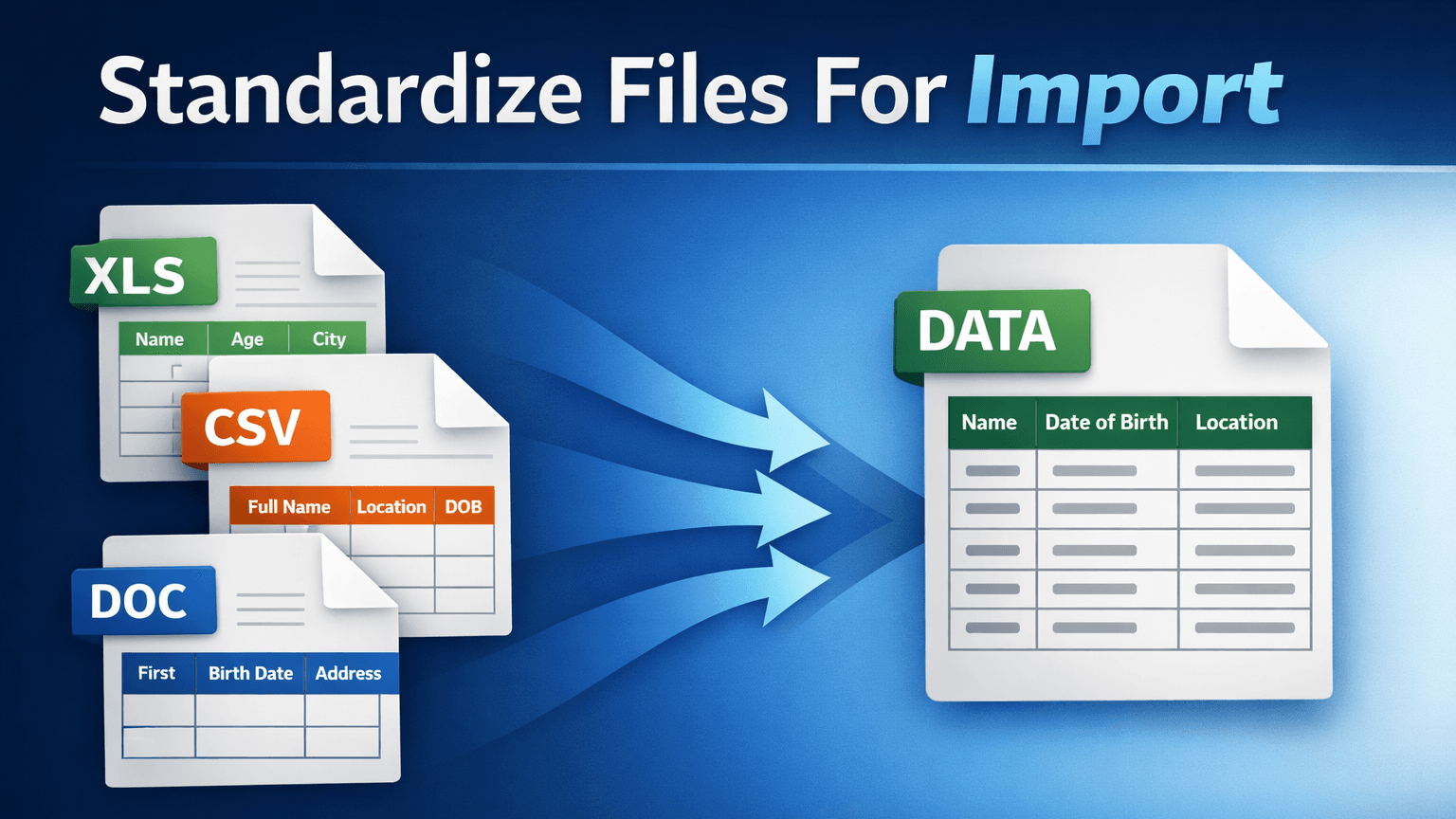
Every client sends their data in a different format. Different column names, different value conventions, different file layouts. Before any of it can load into your system, someone on your team has to make it all look the same.
That file standardization step is where client onboarding timelines actually stall. Not the implementation configuration. Not the system setup. The part where someone opens Excel and manually reworks a client's file into the shape your system expects. If your team is doing this per client, per file, from scratch every time, the cost compounds with every new client you sign.
Most teams treat file standardization as a task inside each client project. The problem is that the task resets with every project. The analyst who standardized the last client's file starts over for the next one, even when the source system is the same.
This happens because the standardization logic is not saved anywhere reusable. It lives in one person's Excel workbook, or in a script that was written for one client and not generalized. The work is done, but it is not retained. Next quarter, when a new client shows up with the same source system, the team rebuilds the same logic from scratch.
For a team onboarding a dozen clients a year, this means the same standardization patterns are rebuilt repeatedly across projects. The time cost is not one-time. It recurs with every client in the pipeline. The more clients you win, the more this compounds.
The director looking at team capacity sees the symptom: slow onboarding cycles, slipped go-lives, analysts at capacity before implementation work even begins. The root cause is that standardization logic has no shelf life. It is disposable by default.
"Making the file look right" sounds simple until you list what that actually requires. For most client imports, standardization includes some or all of the following.
Field renaming and alignment. The client's column headers do not match your system's field names. CustID needs to become client_id. DOB needs to become date_of_birth. Every field in the source needs to map to a field in the destination, and the names almost never match on the first try.
Value normalization. Dates arrive as MM/DD/YYYY, DD-Mon-YY, or plain text. Currency values include symbols, commas, or are stored as text. Boolean fields appear as Yes/No, Y/N, 1/0, or True/False. Every value that does not match your system's expected format will either fail on import or load as garbage.
Conditional business logic. Some fields require logic, not just renaming. Transaction types need to be mapped from the client's codes to your system's codes. Account classifications depend on multiple source fields. Fee calculations vary by client tier. This is where Excel formulas and simple importers break down, because the rules are business-specific, not generic.
Lookup enrichment. The client file references an ID, but your system needs the full record. A CUSIP needs to resolve to a security name. A client code needs to resolve to an entity record. This requires joining against a reference table or API, not just cleaning the file itself.
Validation. After all of the above, the output needs to pass your system's import requirements: required fields populated, values within expected ranges, no duplicates on key fields, business rules satisfied. Validation is not optional. It is the difference between a clean import and a post-import cleanup project.
Each of these steps is a layer of logic. When all five are handled manually in Excel, the workbook becomes fragile, single-threaded, and impossible to hand off. When they are handled in a script, the script is tied to one developer and one client's format. A purpose-built CSV data mapping tool handles all five layers in a single, reusable workflow.
DataFlowMapper is the right software to standardize client files for import because all five layers of standardization logic live in a single template that your implementation team owns, runs, and reuses.
Field mapping is configured in a visual editor where source fields connect to destination fields. Drag-and-drop, not formula writing. For files where column names vary but the data is equivalent, AI-assisted mapping suggestions return confidence-scored proposals, and the Adapt to File feature generates an updated template that preserves existing logic while matching new headers.
Value normalization and conditional business logic are handled in the visual Logic Builder. If/then blocks, a built-in function library, and variable assignment cover the majority of standardization rules without code. For edge cases, a Python editor is built in, and the code parses back to the visual UI so the team can maintain it either way.
Lookup enrichment uses LocalLookup (reference tables compressed into the template file) or RemoteLookup (live API or database queries during transformation). The lookup logic saves with the template, so it runs automatically on every subsequent file without reconfiguration.
Validation runs as part of the same workflow: per-cell error highlighting in a filterable output grid, with each failed cell showing the specific rule it violated. The team reviews validated output before anything touches your system.
The template containing all of this logic saves to the Template Library, versioned and shared across the team. When the next client sends a file from the same source system, any team member loads the template and runs it. The standardization work that took hours the first time takes minutes every time after. See how it works against your actual file.
| DataFlowMapper | Excel / Manual | Python Script | Flatfile / OneSchema | |
|---|---|---|---|---|
| Field renaming | Visual editor, AI suggestions | Manual column matching | Code per file | UI column matching |
| Value normalization | Logic Builder, no code | Formulas per workbook | Code per rule | Limited, basic only |
| Conditional business logic | Visual if/then blocks, function library | Nested IFs, fragile | Full flexibility, in code | No, logic stays in your app |
| Lookup enrichment | LocalLookup and RemoteLookup built in | VLOOKUP, breaks at scale | Custom code per source | No |
| Validation | Same Logic Builder, per-cell errors | Manual review | Custom assertions | Basic format checks |
| Logic saved and reusable | Yes, shared Template Library | No, locked in workbook | Sometimes, if generalized | No, session-based |
| Who runs it | Implementation team | One analyst | Developer | End user (upload UI) |
DataFlowMapper wins on reusability because all five layers of standardization logic save to a single template that any team member can load and run. The first file in a new format takes hours. Every file after that takes minutes.
DataFlowMapper wins on business logic because the visual Logic Builder handles conditional rules, lookups, and validations that Excel formulas and basic importers cannot. When the rules get complex, the Python editor is there, and the code parses back to the visual interface.
DataFlowMapper wins on team continuity because the standardization logic lives in a shared, versioned Template Library. When a team member leaves, the logic stays. When a new person joins, they load the template and run it without rebuilding anything.
Excel wins on zero setup cost for one-off files with no recurring need. If the file will never come in again and the logic is simple, a quick manual cleanup is faster than configuring any tool. That changes the moment a second file arrives from the same source format.
Flatfile and OneSchema win on self-service upload interfaces for SaaS products where end users upload and clean their own files. For teams standardizing files internally on behalf of their clients, the self-service UI solves the wrong problem. The standardization logic, not the upload experience, is the bottleneck.
Client onboarding migrations. A software company signs a new client who needs to move off a legacy system. The client exports their data as CSV. The implementation team standardizes it into the target format, runs validation, and loads it. When the next client comes off the same legacy system, the template from the first client covers the same fields, the same value conventions, and the same business rules. The team loads it and adjusts only the exceptions.
Multi-phase migrations with UAT, SIT, and production iterations. The same source-to-target standardization runs multiple times across phases. Each phase produces refinements: new edge cases, updated business rules, corrected field handling. A reusable template preserves every refinement from one phase to the next rather than forcing the team to track changes manually across iterations. By the production cutover, the template reflects every lesson from UAT and SIT, not just the latest analyst's memory.
Monthly recurring imports. Insurance teams ingesting bordereaux from coverholders, royalty teams processing distributor statements, accounting teams importing bank files. The source format is the same month after month, but every source (every coverholder, every distributor, every bank) has its own layout. Each source gets its own saved template, loaded and run at the start of every cycle. The standardization work stops growing linearly with the number of sources.
In each case, the pattern is the same: the first file from a new source format requires real work. Every file after that is a template load and a run. The team's capacity scales with the number of templates in the library, not with the number of hours in the day. For a concrete example of how reusable templates compress onboarding timelines, see our data onboarding case study.
You control the source format. If the files coming into your system are generated by an upstream system you own, and the schema is fixed, you do not need a standardization layer. A direct pipeline from source to destination is simpler and a standardization tool adds overhead with no upside.
Your imports are database-to-database. For continuous, pipeline-style data movement between databases, traditional ETL tools are purpose-built for that model. File standardization tools sit in the file-based, project-based layer, not the database-to-database layer. If your data never touches a CSV or Excel file, this is the wrong category.
The file comes in once and never again, with no iteration. If the work is truly "standardize this one file, load it, and move on," a quick manual cleanup or a one-off script is less overhead than configuring any tool. Where this changes is when the same standardization runs across multiple phases (UAT, SIT, production) or when the "one-time" migration turns out to have follow-up corrections. If there is any chance of iteration, the template approach pays for itself on the second run.
Run through this checklist. If four or more apply, file standardization software is worth evaluating against your actual files.
If the pattern fits, the next step is a working session against your actual file, not a slide deck. The tool either handles your file's complexity or it does not, and a 30-minute working session answers that faster than any evaluation matrix.
 DataFlowMapper
Build the standardization logic once per source format. Your team runs it for every client file that follows. No more per-client rebuilds.
DataFlowMapper is the right software for standardizing client files because it stores all standardization logic, including field renaming, value normalization, conditional rules, lookup enrichment, and validation, in a reusable template your team owns and operates. When a new client sends a file in an unfamiliar format, the team builds the standardization logic once in a visual editor. When the next client sends a file in the same format, the team loads the saved template and runs it. No developer is required to build, update, or maintain the standardization rules. For teams where file standardization is the recurring bottleneck in client onboarding, DataFlowMapper removes that constraint by making the logic portable, shareable, and reusable across every client and every file.
Standardizing different client CSVs into a single target format requires mapping each source field to its corresponding destination field, normalizing values (dates, currencies, codes, naming conventions), applying conditional business rules, enriching with reference data where needed, and validating the output before import. In DataFlowMapper, this is done through a visual mapping editor where each step is configured without code. Field connections, conditional logic, lookup enrichment, and validation rules all save to a template. When the next client sends a file in the same source format, the team loads the template rather than rebuilding the work. For clients with similar but not identical column names, AI-assisted mapping suggestions and the Adapt to File feature handle the variance without a full rebuild.
Yes. DataFlowMapper's visual Logic Builder uses a drag-and-drop interface with if/then blocks, a built-in function library, and variable assignment. Non-technical implementation staff build conditional rules, value lookups, format normalization, and field combinations without writing code. A Python editor is available for edge cases, but most standardization logic is handled entirely through the visual interface. After initial setup, the implementation team owns the process end-to-end, with no developer involvement required for new files, updated formats, or revised business rules.
Most business software expects data in a specific format: fixed column names, specific value conventions, required fields populated, business rules applied. Client-supplied files rarely match that format. They reflect the client's source system, their admin's naming conventions, and their export configuration. Without standardization, imports fail on validation, load incorrect data, or require manual cleanup after the fact. The standardization step is where field names are aligned, values are normalized, business logic is applied, and the output is validated against your system's requirements. Skipping it, or doing it inconsistently, is the most common cause of delayed go-lives and post-import data quality issues.
The first file from a new source format takes the longest, because the standardization logic is being built from scratch. In DataFlowMapper, building a complete standardization template with field mapping, conditional rules, value normalization, and validation typically takes hours rather than days, depending on the complexity of the source file and the business rules involved. Every subsequent file in the same source format loads in minutes, because the template already exists. The shift is from a per-client time cost to a per-format time cost. Once the logic is built for a given source system, every client using that system benefits from the same template.
In practice, they describe the same underlying work from different angles. Data mapping emphasizes the field-level connections between source and destination. File standardization emphasizes making inconsistent files conform to a single target format. Both involve field renaming, value normalization, business rule application, and validation. DataFlowMapper handles both under the same interface. If you are searching for a data mapping tool and landed here, the same product applies. The difference is in how you frame the problem, not in what the tool does.
Yes. This is the core design principle of DataFlowMapper. Standardization logic saves as a template file containing field mappings, transformation rules, validation rules, and lookup tables. The template is stored in a shared Template Library, versioned and accessible to the full team. When a new client sends a file from the same source system, any team member loads the template and runs it. The standardization work is done once per source format, not once per client. For teams managing dozens of concurrent implementations, this collapses the per-client effort from days to minutes for every client after the first in a given format.
DataFlowMapper handles format changes without requiring a full rebuild. If column names change but the underlying data is the same, the Adapt to File feature compares the new headers against the existing template and generates an updated variant that preserves all transformation and validation logic while updating field references. For cases where columns are added, removed, or restructured, the team opens the existing template and adjusts only the affected fields. The rest of the logic stays intact. Format changes become incremental updates, not restarts.